The Best Ecommerce Platforms for Print on Demand (2026)
What are the best ecommerce platforms for a print-on-demand business? We have been through and tested them based on:
- How good they are as an ecommerce platform
- The number of print-on-demand integrations that they offer
- How many marketing tools they include

EcommerceGold is reader supported and we may earn a commission from products or services purchased through links on our site at no additional cost to you, to learn more please see our affiliate disclosure.
1. Shopify
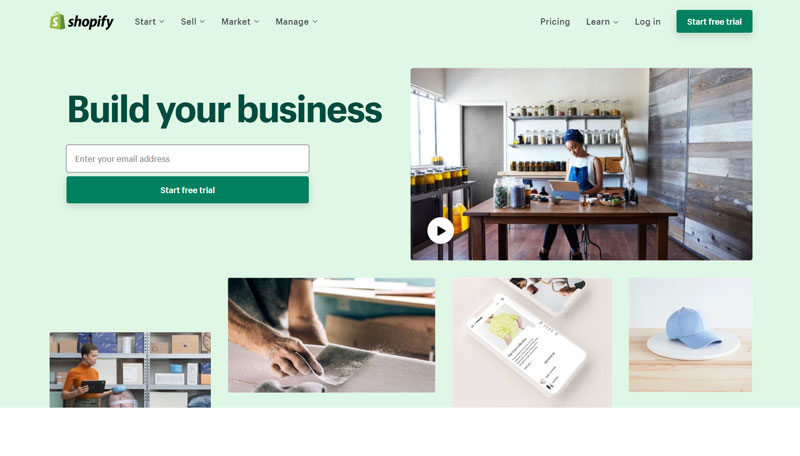
When it comes to print-on-demand, nothing really comes close to Shopify as it offers:
- The largest number of integrations
- A good selection of marketing features and a large number of marketing apps
- An easy-to-use platform
This is why it is the go-to ecommerce platform for many Print-on-Demand businesses and many of the apps offer high levels of automation, which leaves you to focus on the important aspects of running your business such as marketing and customer service.
But what exactly does Shopify offer in terms of Print-on-Demand?
Integrations
Marketing Tools
One advantage that Shopify does offer over all of the other options on this list is that it is currently the only ecommerce platform that has an integration with YouTube, meaning that content creators can link their Shopify store to their YouTube channel and display products directly below their videos.
It is also very easy to set up a store for your print-on-demand products using Shopify as they have made the platform easy to use, even if you have never built an online store before and there are plenty of Shopify tutorials out there to help you get started.
Shopify Pricing
| Basic | Standard | Advanced | |
|---|---|---|---|
| Monthly Price | $39 | $105 | $399 |
| Number of Products | Unlimited | Unlimited | Unlimited |
| Turnover Limit | None | None | None |
| Transaction Fee | 2% | 1% | 0.5% |
| Admin Accounts | 2 | 5 | 15 |
In terms of monthly pricing, Shopify is similar to many other platforms out there but they do differ in two main ways:
- Shopify doesn’t have annual turnover limits on any plan
- Shopify does charge a transaction fee on all payments received using third-party payment gateways such as PayPal or Amazon pay
If you are taking payments using Shopify’s in-house payment gateway Shopify Payments then you won’t pay the additional transaction fee. If you are unsure which plan is best for your business, then check out our free Shopify fee calculator.
Shopify Pros and Cons

4.4/5
EcommerceGold Score
Who Is Shopify Best For?
Shopify is best for anyone looking to start a print-on-demand, whether you are a designer, entrepreneur or content creator.
They offer the largest number of Print-on-Demand integrations and have a large number of marketing features that you can use.
If you want to learn more about Shopify, then check out our Full Review.
2. Wix
Best for Small Print-on-Demand Stores

Next up is Wix, a lower-cost alternative to Shopify, which can be very appealing to smaller stores but still includes a full website builder, a good selection of integrations and marketing tools, such as:
Integrations
Marketing Tools
As you can see, Wix doesn’t offer quite as much in terms of integrations or marketing tools as the top two options but this is very much countered by the pricing of Wix, which is considerably lower as we will cover more below.
You may notice that we scored Wix lower than some of the options below but Wix is one of the few ecommerce platforms to offer 10+ Print-on-Demand integrations, which is why it placed third on our list.
Wix Pricing
| Core | Business | Business Elite | |
|---|---|---|---|
| Monthly Price | $29 | $39 | $159 |
| Number of Products | Unlimited | Unlimited | Unlimited |
| Turnover Limit | None | None | None |
| Transaction Fee | None | None | None |
One of the big advantages that Wix has is that they are one of the cheapest options around when it comes to monthly subscription costs and all plans come with:
- Unlimited Products
- No Annual Turnover Limits
- No Transaction Fees
This can make Wix very attractive to business who are looking to start a Print-on-Demand business on a budget.
Wix Pros and Cons

3.4/5
EcommerceGold Score
Who Is Wix Best For?
Wix is best for people or businesses who are looking to start a Print-on-Demand website on a budget.
This is because you get a full website builder and a good selection of integrations and marketing tools for a very reasonable monthly price.
If you want to learn more about Wix, then check out our Full Review.
3. Squarespace
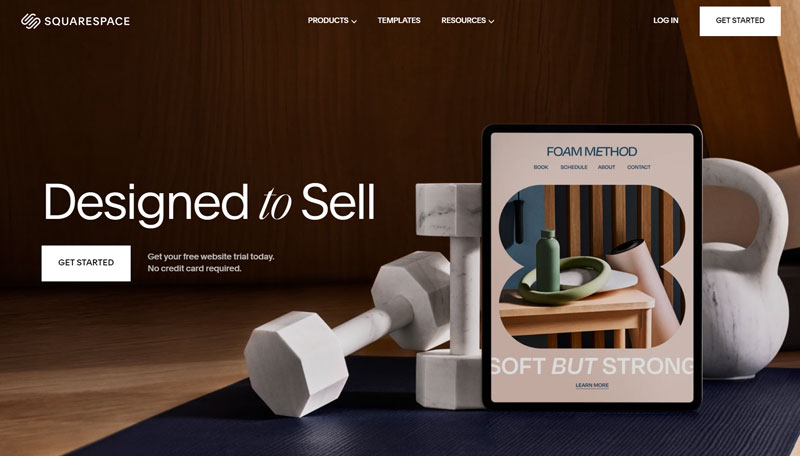
If you want to create a print-on-demand store that looks great and is easy to use, then Squarespace is definitely worth checking out!
One of the things that we really like about Squarespace is how easy it is to build a really good-looking website as Squarespace has been design-focused for many years and would be a great option for designers or artists who want to express their designs through their website design as well as their products.
Integrations
Marketing Tools
As you can see, Squarespace doesn’t offer as many integrations as Shopify or Wix but there are still 5 options to choose from, with two of the biggest players in the market (Printful and Printify) being there.
Squarespace Pricing
| Basic | Core | Plus | Advanced | |
|---|---|---|---|---|
| Monthly Price | $25 | $36 | $56 | $139 |
| Number of Products | Unlimited | Unlimited | Unlimited | Unlimited |
| Turnover Limit | None | None | None | None |
| Transaction Fee | 2% | None | None | None |
The prices listed above are if you pay for your Squarespace subscription monthly but if you choose to pay annually, they do offer a significant discount that makes the monthly cost a lot lower.
The transaction fee that is included with the Business plan combined with fewer features means that for most, the Basic Commerce plan is going to be the one to go for if you are just getting started.
Squarespace Pros and Cons

4.2/5
EcommerceGold Score
Who Is Squarespace Best For?
Squarespace is a great option for small businesses and creatives who want to a feature-rich platform that is easy-to-use to help them sell their Print on Demand products.
The website builder also makes creating a good-looking but functional website very simple, even for people new to building websites.
If you want to learn more, then check out our Full Squarespace Review.
4. Sellfy

Sellfy is different to every other platform on this list as it isn’t an ecommerce platform that integrates with third-party Print-on-Demand companies, instead, they are a Print-on-Demand company that offers its own, fully-featured store builder.
And it isn’t just print-on-demand, you can also sell digital products, subscriptions and your own physical products, so if you want everything in one platform, then Sellfy might be perfect for you.
Marketing Tools
Obviously they don’t offer any integrations as they are the Print-on-Demand providers and offer a wide range of products with locations around the globe for quick order fulfillment.
Sellfy Pricing
| Starter | Business | Premium | |
|---|---|---|---|
| Monthly Price | $29 | $79 | $159 |
| Number of Products | Unlimited | Unlimited | Unlimited |
| Turnover Limit | $10,000 per year | $50,000 per year | $200,000 per year |
| Transaction Fee | None | None | None |
| Maximum File Size | 10GB | 15GB | 20GB |
While the monthly subscription prices are in-line with many of the other platforms listed, they do have annual turnover limits and these are quite low in our opinion, especially in relation to the monthly price and is one of the main downsides for Sellfy.
Sellfy Pros and Cons

4.2/5
EcommerceGold Score
Who Is Sellfy Best For?
Sellfy is a really good option if you want to have your store and print-on-demand provider all in one package.
The platform also offers you the ability to sell different product types and the website builder is good and easy to use.
If you want to learn more, then check out our Full Sellfy Review.
5. Ecwid
Best for Existing Websites
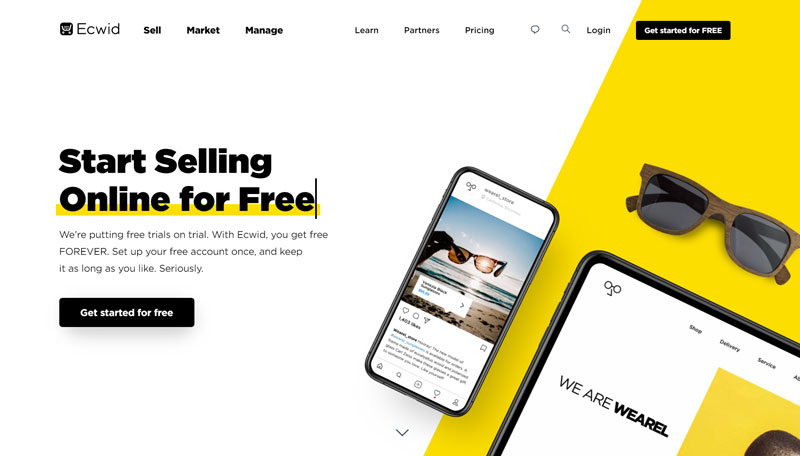
If you have an existing website and want a quick and easy way to start selling Print-on-Demand products through it, then you definitely want to consider Ecwid or you could use their website builder to create a simple online store.
Due to the excellent integration with WordPress, Ecwid is a great option for bloggers who are looking to monetize their blog with Print-on-Demand as it only requires 1 plugin and the checkout is fully secure.
When it comes to integrations, Ecwid is a bit limited but they do offer some good marketing tools:
Integrations
Marketing Tools
Ecwid definitely does a good job on the marketing side and it would be nice to see them increase their Print-on-Demand offering.
Ecwid is also one of the easiest platforms to get started with, the interface is well-designed and easy to navigate and all of the dashboard pages are simple and easy to use, which makes it a great option for businesses looking for a reasonably priced, easy-to-use shopping cart.
Ecwid Pricing
| Starter | Venture | Business | Unlimited | |
|---|---|---|---|---|
| Monthly Price | $5 | $30 | $55 | $130 |
| Number of Products | 5 | 100 | 2,500 | Unlimited |
| Turnover Limit | None | None | None | None |
| Transaction Fee | None | None | None | None |
| Admin Accounts | 1 | 1 | 2 | Unlimited |
Ecwid’s pricing makes the platform very attractive, especially when compared to other options and if you decide to pay annually, you get a 16% discount.
Ecwid also doesn’t have turnover limits or transaction fees, which makes the pricing very straightforward and they offer a selection of over 30 payment gateways, including PayPal, Stripe and Square.
Ecwid Pros and Cons
4.2/5
EcommerceGold Score
Who Is Ecwid Best For?
Ecwid is a great option for people or businesses with an existing website who want to add a fully-hosted checkout to their store.
It is also a great option for bloggers looking to add Print-on-Demand due to its excellent integration with WordPress.
If you want to learn more about Ecwid, then check out our Full Review.
6. WooCommerce
Best Self-Hosted Platform for Print-on-Demand
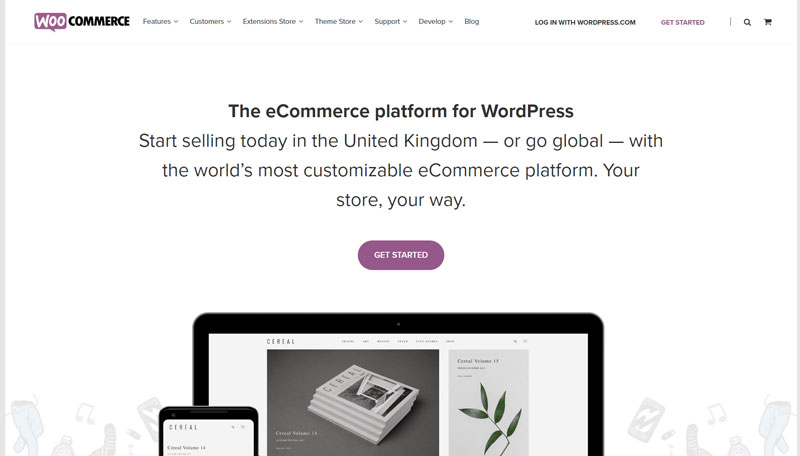
If you are looking to go down the self-hosted route with your Print-on-Demand store, then WordPress and WooCommerce are one of the best options out there as they offer one of the largest selections of integrations along with numerous marketing options, such as:
Integrations
Marketing Tools
As you can see there are a lot of options to choose from but you will need to install quite a few different plugins on your site, including payment gateways in order to be able to start taking orders.
One thing we noticed when doing the research for this list was that many of the Print-on-Demand plugins for WooCommerce have lower ratings than apps from the same company on the other platforms mentioned on this list.
But WooCommerce does offer a lot more in terms of options for Print-on-Demand than many other self-hosted platforms, so if this is the route you want to go down, then WooCommerce is definitely worth checking out.
WooCommerce Pricing
The WooCommerce plugin is free to use with self-hosted sites but you will need to pay for hosting for the WordPress CMS. Additional plugins and themes may also need to be paid for options.
WooCommerce Pros and Cons

3.6/5
EcommerceGold Score
Who Is WooCommerce Best For?
WooCommerce is a very good option if you want complete control over your website as it is self-hosted and open-source.
It also offers a large number of plugins, not only with Print-on-Demand suppliers but also marketing options as well.
If you want to learn more about WooCommerce, then check out our Full Review.
What to Consider When Choosing an Ecommerce Platform for your Print-on-Demand Business?
When it comes to choosing an ecommerce platform for your Print-on-Demand business, there are a few things that you want to think about.
1. Do you want a Hosted or Self-Hosted store?
There are lots of ecommerce platforms out there but they generally fall into one of two categories and deciding which one is best for you, will make the choice easier.
Hosted
- Hosted ecommerce platforms, sometimes known as SaaS (Software as a Service) include a website builder, web hosting and in most cases support
- Most hosted platforms are subscription services, meaning you pay a monthly or annual fee for using the platform
- All technical aspects such as hosting setup, performance, security etc are taken care of for you
Self-Hosted
- Self-hosted platforms require you to buy your own hosting and then install your chosen software
- While the software itself may be free to use, you will need to pay for your hosting and possibly an SSL certificate
- Little to no support and you will either have to manage it yourself or employ the services of a developer
For many print-on-demand stores, a hosted ecommerce platform is probably going to be the best way to go as it is the easiest way to start building an online store.
2. Integrations and Features
With Print-on-Demand, you will in most cases be outsourcing the order fulfillment to a third-party company and ideally, you want to automate this process as much as possible, so check to see if your chosen print partner offers an app or plugin for the platform you want to use.
The second set of features you want to check for is marketing tools as marketing your store correctly is going to be a key factor in whether or not your store is going to be successful, so check to see what marketing tools they offer as standard along with any apps or plugins for additional marketing features.
Another feature you want to consider is the payment options that are available as you want to offer your customers a few different options, including:
- PayPal
- Credit Card
- Mobile Payments (Apple Pay, Google Pay etc)
As this can increase your store’s conversion rate.
3. How Easy is it to Use
Choosing a platform that is easy to use is very important when it comes to running a successful Print-on-Demand business as it can save you time and a lot of headaches, some things you want to consider are:
- Getting your store set up
- Changing theme & theme customization
- How well do the integrations work
- Inventory and Order management
This is why we recommend trying out a couple of options before committing to one platform as even though we can make our recommendations, they might not be right for you.
Conclusion
Choosing the right ecommerce platform for your Print-on-Demand business is a very important part as you want to choose a platform that is going to help not hinder your business.
And while it can be very tempting to go with the cheapest option to start with, this could actually end up costing you time and money in the long run, so spend a little bit of time trying out the options that you think might work for your business and then select the one that you feel is going to work best.
Editors Choice: Shopify
Shopify comes out top for starting a Print-on-Demand website because it offers:
- A large number of Print-on-Demand apps
- A good selection of marketing features
- It is easy to get started with and use
4.4/5
EcommerceGold Score

Hi, I'm Paul, the Owner and Founder of EcommerceGold.
I ran my own Ecommerce Business for over 7 years and now help others start their own online retail empires!